
image( [ lena, fliplr( lena ) ; rot90(lena'), flipud(fliplr(lena)] );
MATLAB BASICS
Back to Online Demo page Original M file Slideshow DIP Home
% Note: only part of the code are shown here, look at the original M file to check out details
% ---------- Section
1: basic matrix operation ---------------------
% use image as our sample matrix
% show simple matrix manipulation: transpose, concatenation, sort, flip, ...
% and common operators: ', :, [], ...
lena=double(imread('lena.png'));
% Lena: mirrors and
shadows
% transposed, flipped, and rotated
image( [ lena, fliplr( lena ) ; rot90(lena'), flipud(fliplr(lena)] );
% Lena versions
% negative, crop-and-enlarge, quant
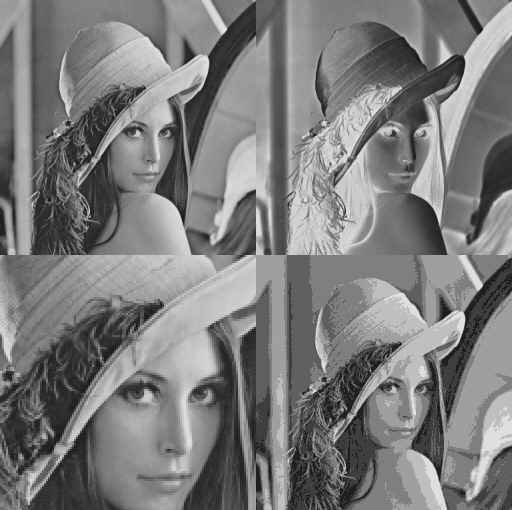
image( [ lena, ( 255 - lena ); croplena, quant(lena,32)] );